Save your display order and restore it quickly
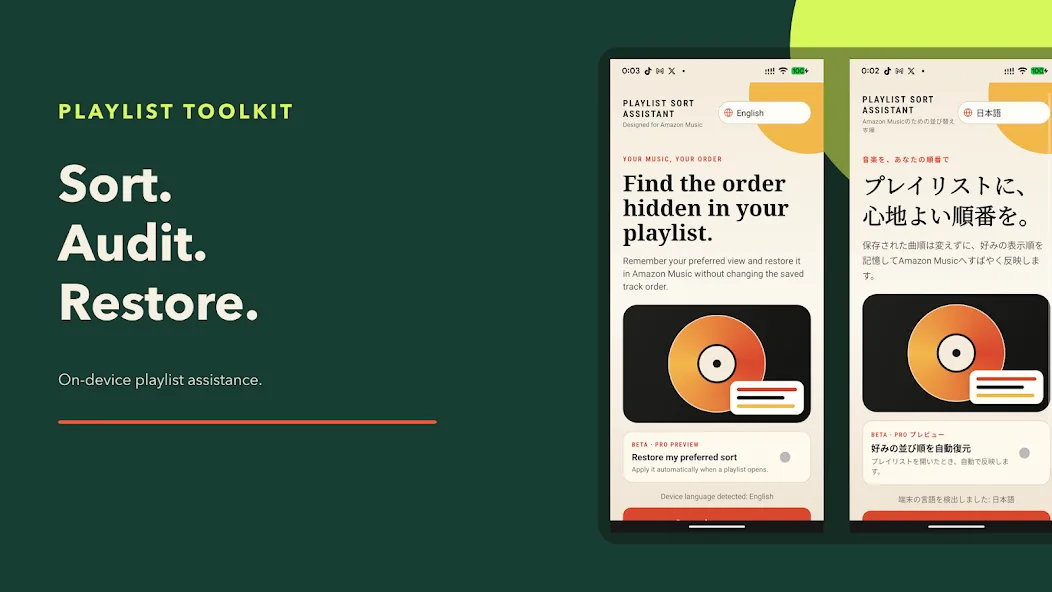
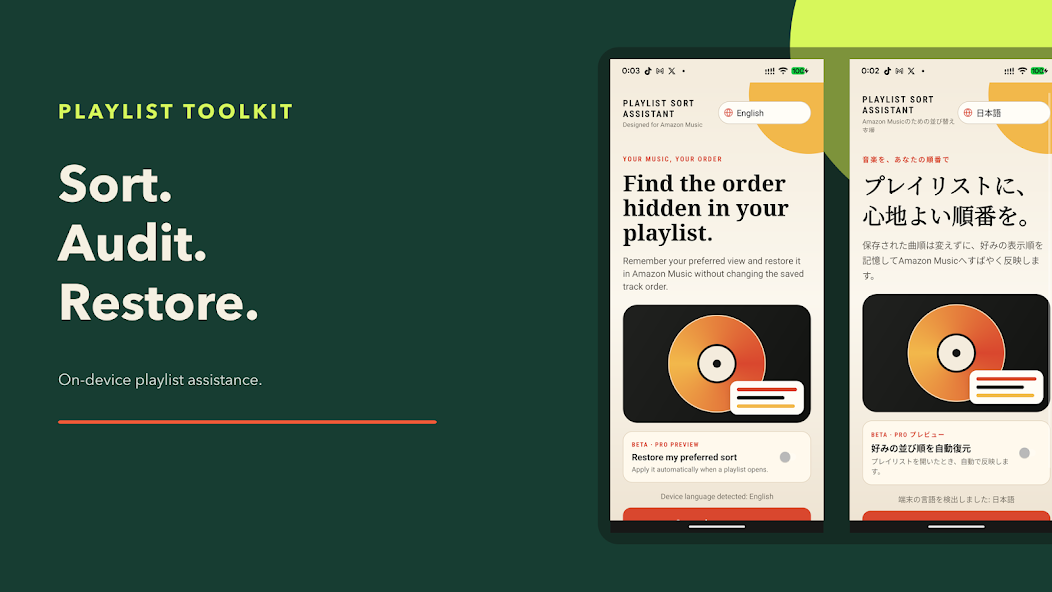
Restore artist, title, recently added, or duration order on supported playlist screens without changing the saved track sequence.
PLAYLIST CONTROL, WITHOUT THE CLUTTER
Save your preferred display order, check a long playlist for possible duplicates, prepare additions, and return to playlists you use often. Amazon Music remains a separate, unmodified app.
No charge is made during the compatibility check. A charge begins only after you confirm the purchase in Google Play.
After purchase, the plan renews monthly. You can manage or cancel it at any time in Google Play.
Monthly access includes every feature and compatibility improvements delivered after Amazon Music interface changes are reviewed.
Independent third-party utility. Not affiliated with, sponsored by, or endorsed by Amazon.
ONE WORKFLOW
Built around the repetitive playlist work Amazon Music leaves to manual navigation.
Restore artist, title, recently added, or duration order on supported playlist screens without changing the saved track sequence.
Check possible duplicates and available indicators such as downloads, likes, lyrics, and audio quality.
Prepare candidate tracks first, then start only the supported Amazon Music steps you choose.
Save a favorite playlist destination and reduce repeated navigation when opening Amazon Music.
Choose the right approach before changing your playlist. Follow the steps and understand which changes are saved.
Start with the order you want to change: the list you browse, or the sequence saved in the playlist.
Read guideA different view does not necessarily mean your saved playlist has been changed.
Read guideFind repeated songs, compare versions and decide what to keep. Start with a manual check or review a complete playlist audit on Android.
Read guideMove a continuous group with guided gestures, then review and save the result in Amazon Music.
CLEAR BY DESIGN
Screen operation support is explained before Android settings open, and the free compatibility check does not start a charge.
Review the monthly price and features before enabling Android Accessibility screen assistance.
Android Accessibility is used only for the disclosed playlist support workflow.
Playlist header, track list, sort control, and Add Songs control are verified.
Only a compatible device proceeds to the Google Play purchase screen.
SAFE SCREEN ASSISTANCE
Playlist Toolkit checks the controls currently shown on supported Amazon Music screens. It handles ordinary layout movement, but never assumes that an unfamiliar screen is safe to operate.
The app looks for supported controls each time instead of relying on one fixed tap position.
Playlist support begins only after the necessary screen items are confirmed.
Missing or unclear controls stop the operation before an unintended action can continue.
After Amazon Music changes are reviewed, improvements are delivered in Playlist Toolkit updates.
RANGE MOVE
Choose the start and end of a section, then choose its destination. Playlist Toolkit guides the repeated Amazon Music gestures while keeping you informed and stopping safely if the screen changes.
Display sorting changes the view, not the saved track order. Range moves that you save and songs you confirm adding remain in Amazon Music after Playlist Toolkit is closed.
Get it on Google PlayPLAYLIST ORGANIZATION GUIDE
Display sorting changes the view, not the saved track order. Range moves that you save and songs you confirm adding remain in Amazon Music after Playlist Toolkit is closed.
Bring artist, title, recently added, or duration order back on supported playlist screens.
Review possible duplicate entries across a long playlist without uploading visible track labels to an NKIS Works server.
Choose a start, end, and destination so repeated move steps can be guided as one user-started operation.
Reduce repeated navigation by saving the playlist destination you use most.
More reliable purchases and restoration, clearer retry and pending-payment messages, and a fix for the operation panel reappearing without a subscription.
The free compatibility check now gives clearer guidance in all seven languages: in Amazon Music, open Library → Playlists → a playlist you created, then check that its title and Add Songs are visible.
Choose a display order by artist, title, recently added, or duration. Display sorting does not change the saved track sequence; compatibility can vary by device and Amazon Music version.
FAQ
No. Playlist Toolkit is developed and published independently by NKIS Works and is not affiliated with or endorsed by Amazon.
No. The app does not ask for or store your Amazon account password. Amazon Music remains a separate installed app.
It reads supported visible Amazon Music interface text and controls and performs narrow, user-started playlist assistance. The app explains this before Android settings open.
The compatibility check may stop unsupported operations. NKIS Works can then review the change and provide an updated supported profile through Google Play.
Playlist names and visible track labels used by the organizer are processed on the device and are not sent to an NKIS Works server. Google Play separately handles purchase and subscription status.
The initial compatibility check is free. If the supported playlist controls are not found, the subscription screen is not offered.